


How MemeJar works
The internet is better when you find your people.
MemeJar is a home for memes, internet culture and the communities behind them. Instead of everything disappearing into an endless personal timeline, content lives inside dedicated communities called Jars.
How it fits together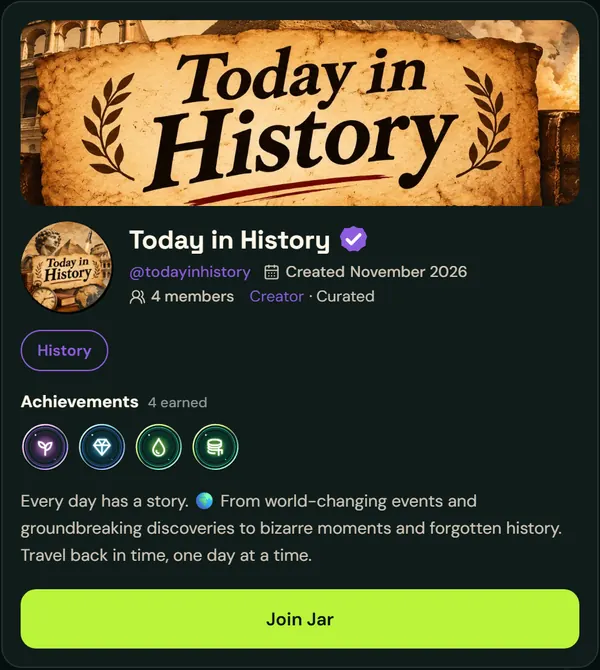
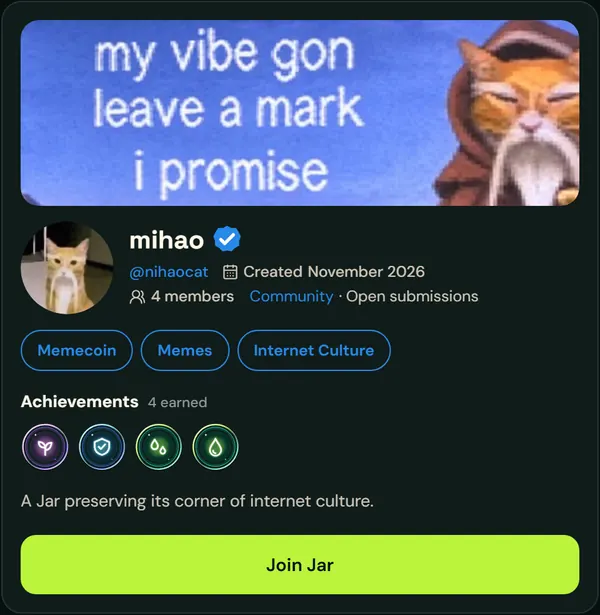
Not another personal timeline.
Most social platforms organize content around individual accounts. On MemeJar, communities are the center of the experience.
Whether you’re sharing a funny image, building a collection around your favorite game or creating a home for your audience, your content belongs to a Jar.



A timeline-first feed
- Content is organized mostly around individual accounts.
- Different topics often share the same personal feed.
- Following people is a main way to discover more.
- Older posts can be hard to find again.












The MemeJar way
- Content is organized around dedicated communities.
- Each Jar has its own subject, identity and collection.
- You find communities through shared interests.
- Related content stays together in its Jar.
One interest. One community. One Jar.
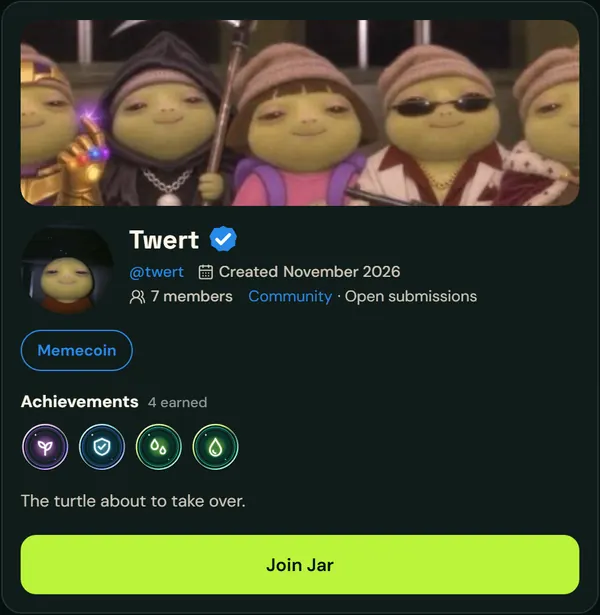
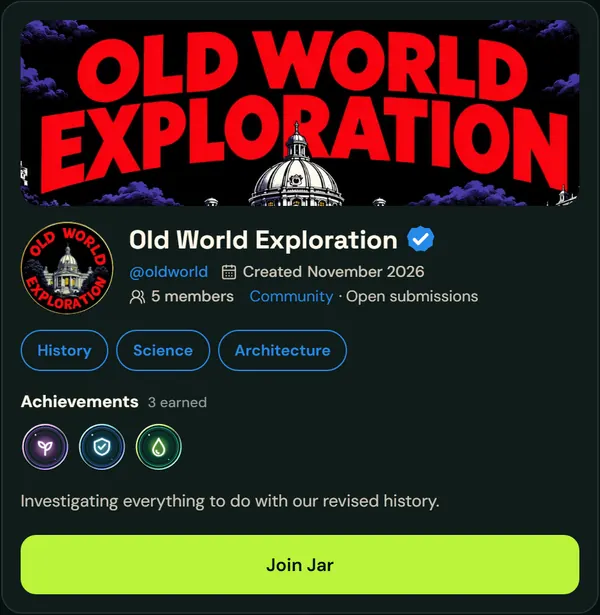
A Jar is a dedicated space for a topic, creator, community or shared interest. Think of it as a home for everything related to something you enjoy.
A Jar could be about memes and internet humor, gaming, art and illustration, history, animals, a favorite creator, a fictional character, a running joke, a specific fandom or an entire online community.

Anatomy of a Jar
Apu Apustaja (@apu), a real Jar, as a signed-out visitor sees it.
- 1Banner and profile pictureThe Jar’s look, chosen by its owner.
- 2Name and badgesThe Jar’s name, plus a verified badge when the Jar is verified.
- 3Tagline and categoriesWhat the Jar is about, and where people find it while browsing.
- 4Members and JoinJoining makes you a member. Private Jars approve join requests first.
- 5Identity and submission modeCommunity or Creator, and whether members can submit: Open Jars review member submissions, Curated Jars publish only from their owner and moderators.
- 6Links and achievementsThe Jar’s website and social profiles, followed by the achievements it has earned.
- 7Published contentThe Jar’s collection, searchable and sortable, with up to three pinned favorites.
- 8RulesHouse rules for this Jar, on top of MemeJar’s Community Guidelines.
Your profile is your identity. Jars are where your content lives.
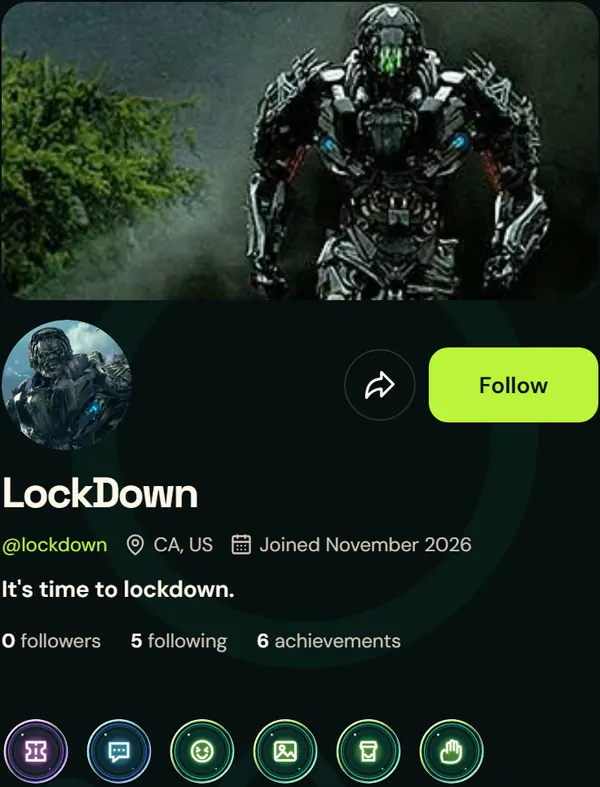
Your profile
One account that represents you, with your name, picture, banner and the activity you choose to show. It’s the same you in every Jar.

Your Jars
Where content is organized and communities grow. Join Jars, share in the ones that accept your submissions, help moderate, or create your own.
@lockdown is a real MemeJar member: the owner of one Jar and a member of others.
You don’t publish directly to a personal timeline on MemeJar. When you share something, you choose the Jar where it belongs.
You don’t have to fit into one category.
There are no separate account types. Someone might join a gaming Jar, share funny animal pictures in another community, help moderate a history Jar and run their own photography Jar, all from the same account.
Great content deserves the right home.
Sharing on MemeJar starts with a community, not a blank status box. Here’s what happens between finding a Jar and seeing your meme in it.
- 1
Find a Jar
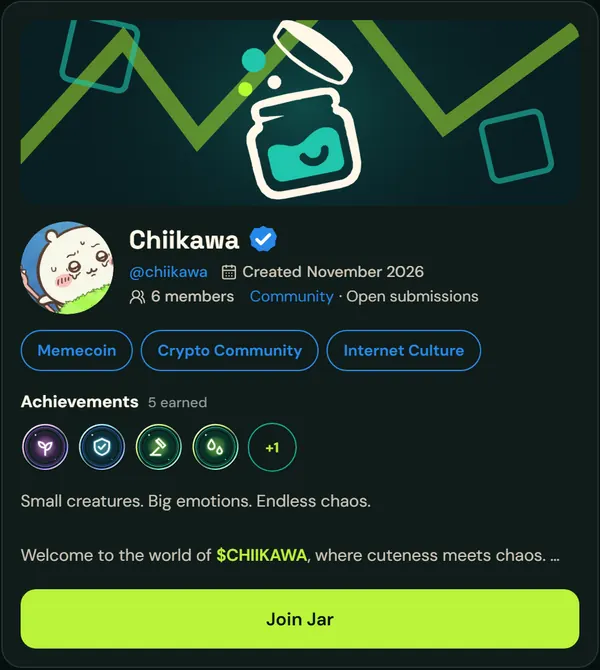
Search or browse the Jar catalog for a community that matches what you want to share.
- 2
Join the community
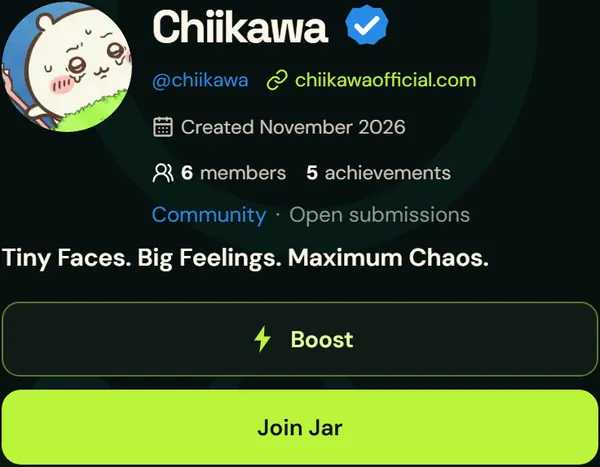
Join the Jar and read its rules. Check whether it accepts submissions from members.
- 3
Share your content
From the Jar, upload your meme and fill in a few details.
- An image, GIF or video (JPEG, PNG, WebP, GIF, MP4 or WebM)
- A title
- An optional description, where #hashtags work
- An optional Source / Artist credit
- 4
Publication
Depending on the Jar and your role, it’s published right away or reviewed first. Once published, it’s part of that Jar.
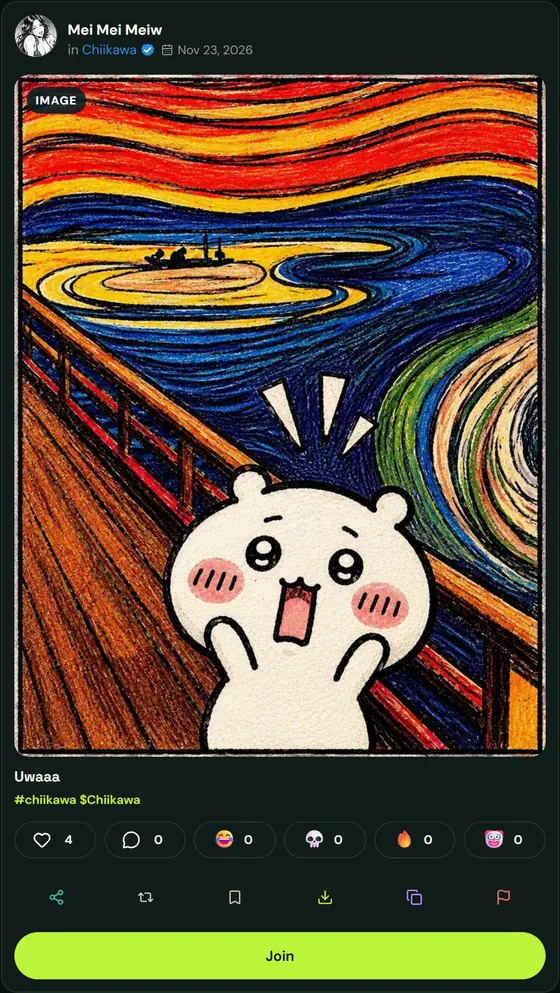
Good to know
- Joining a Jar doesn’t always mean you can post there. Each Jar chooses Open submissions, where members submit for review, or Curated, where only its owner and moderators post.
- In Open Jars, the owner and moderators review member submissions before they’re published.
- Owners and moderators look after their Jar’s content within the permissions they have.
- Everything on MemeJar also follows the Community Guidelines.
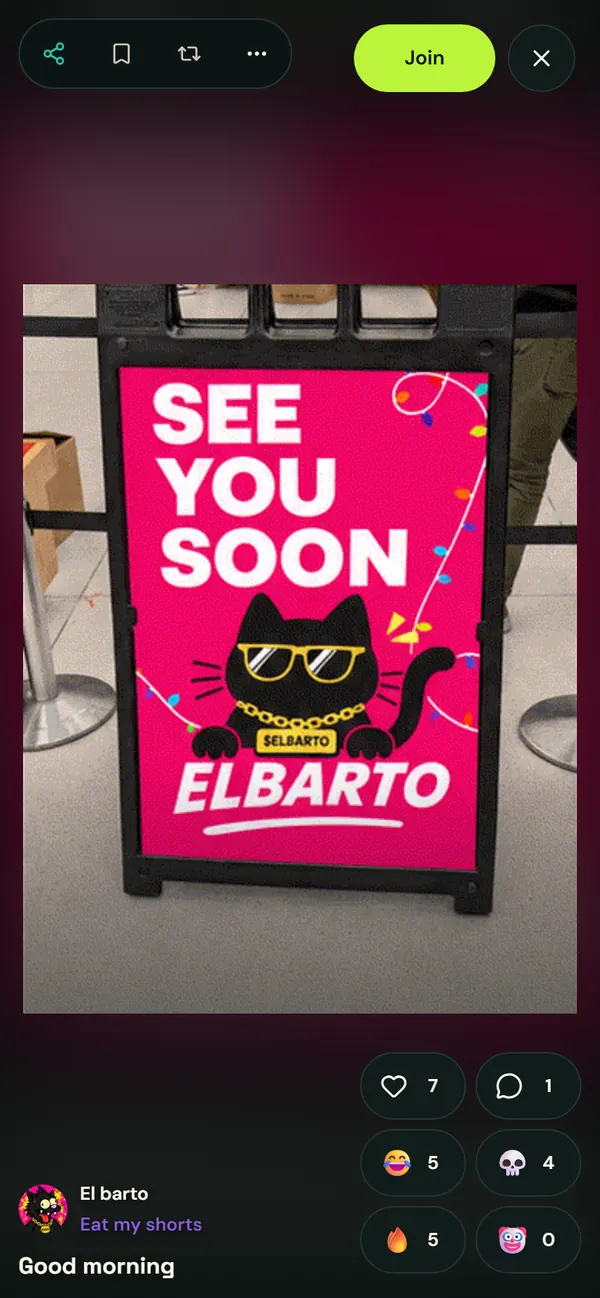
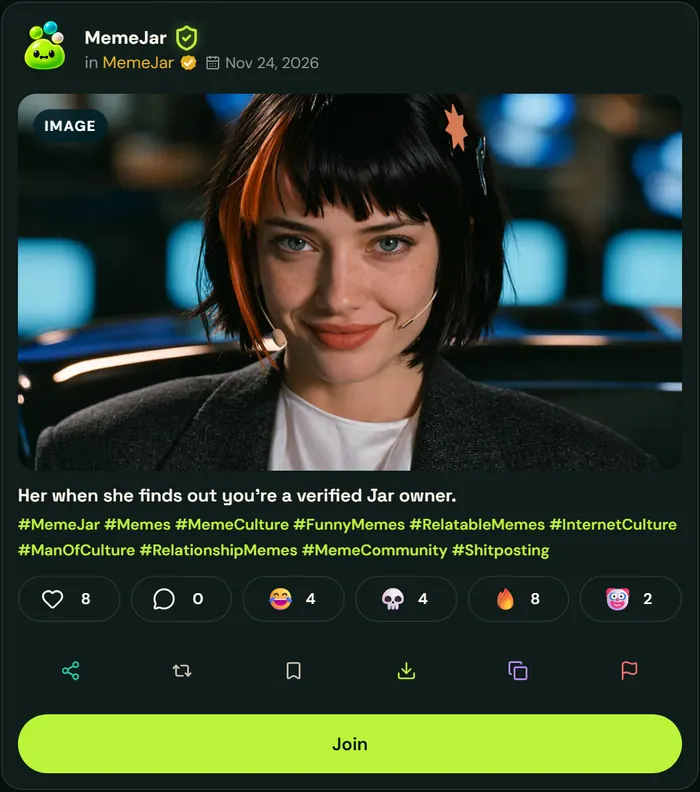
Find more of what you actually enjoy.
You don’t have to create anything to belong here. Discover communities, enjoy their content and contribute whenever you have something worth sharing.
- Browse Jars by category, and see memes from the Jars you’ve joined in your Following feed.
- React with a heart or a reaction, and join the conversation in the comments.
- Save memes for later and repost the ones your friends need to see.
- On your phone, switch the feed to Doom Scroll for one full-screen meme at a time.

Give your community a place of its own.
Your content deserves more than a moment in someone else’s feed. Create a dedicated home for your work, your community and everything that makes it unique.
Artists, meme pages, creators, fandoms and online communities all use the same tools. A Community Jar can welcome submissions from its members. A Creator Jar is a curated home where only you and your moderators post.
- Choose a name, handle, profile picture, banner and description
- Pick up to three categories and add your links
- Publish your own work, including GIFs and videos
- Write rules for your community
- Decide who can submit and review what comes in
- Appoint moderators to help
- Pin up to three memes to the top of your Jar
Owners and moderators manage their Jars within MemeJar’s rules and policies. Creating a Jar is free. Verification and Boosts are optional extras, never a requirement.


Questions people ask
What is a Jar?
A Jar is a dedicated community organized around a topic, creator, fandom or shared interest. It has its own name, look, rules and collection of memes.
Do I need to create a Jar to use MemeJar?
No. You can explore content, join existing communities and take part without owning a Jar.
Can I post directly to my profile?
No. MemeJar organizes published content around Jars rather than personal timelines. To share something, choose a Jar where it belongs and that accepts your submissions.
Can I join more than one Jar?
Yes. One account can be part of as many communities as you like, with a different role in each.
Can I create my own Jar?
Yes. Once your profile is set up, you can create a Community or Creator Jar, choose whether it’s public or private, and decide who can submit. The handle, identity and visibility are permanent, so choose them with care. Jar creation is rate-limited to keep out spam.
Why is my submission waiting for approval?
Jars with Open submissions review what members send before it’s published. That keeps each community focused and its rules respected. Its owner or moderators will approve or decline it.
Can I share original artwork or content that isn’t a meme?
Yes. You can upload images (JPEG, PNG or WebP), GIFs and videos (MP4 or WebM, up to three minutes), including original art, clips and photos, as long as you have the right to share them and they follow the Community Guidelines. If something isn’t yours, credit the original creator with Source / Artist.
What is the difference between joining and owning a Jar?
Joining lets you take part according to the Jar’s settings. Owning a Jar gives you its management tools: settings, rules, submissions and moderators.
Is MemeJar free to use?
Yes. Browsing, joining Jars, sharing and creating Jars are free. Two optional paid features exist: verification, which adds a verified badge and more storage to a Jar, and Boosts, which give a Jar extra visibility in highlighted discovery spots. Read more about Jar verification.

Whatever you’re into, there’s a Jar for it.
Find a community that feels like home. And if it doesn’t exist yet, create it.